Buying a used smartphone: how Korosten residents can check battery health
Purchasing a pre-owned device requires careful inspection. Experts advise users to perform their own battery diagnostics rather than relying solely on the seller's word.
 🏙️City
Photo: UNIAN
Key points
- Physical inspection for repairs
- Checking service history in settings
- Risks of non-original batteries
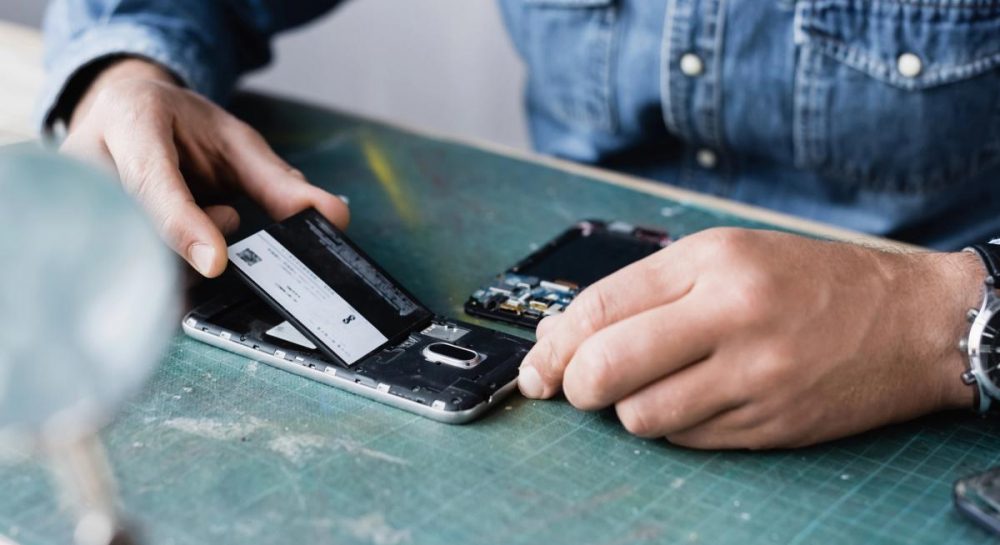
Buying a used smartphone is a common way for residents of Korosten to save money. However, a device that looks perfect on the outside may hide a worn-out or non-original battery, which directly impacts performance and reliability.
Physical signs of repair
Before finalizing any purchase, inspect the device's exterior closely. Poor display alignment, uneven gaps, or scratches on the bottom screws suggest that the phone has been opened. These signs often contradict claims that the device has never been repaired and may indicate that the battery has been replaced with a low-quality third-party component.
Using built-in diagnostic tools
Modern smartphones include features to identify replaced parts. For iPhone users, checking the "Parts and Service History" section in the settings is essential. Similarly, Samsung and Google Pixel devices offer mechanisms to detect battery issues and unrecognized components.
If you are buying from a private seller, always ask for documentation from a service center. Using cheap, non-original batteries can lead to overheating, rapid discharge, and unexpected shutdowns, particularly in cold weather or under heavy usage.
Source UNIAN — unian.ua/techno/gadgets/yak-pereviriti-akumulyator-u-vzhivanomu-tel… ↗
Read next
 🛡️Security
Power restored in Rivne region following enemy attack
After a massive blackout caused by a Russian strike on November 20, electricity has been restored to the Sarny district in the Rivne region.
 🎭Culture & Sport
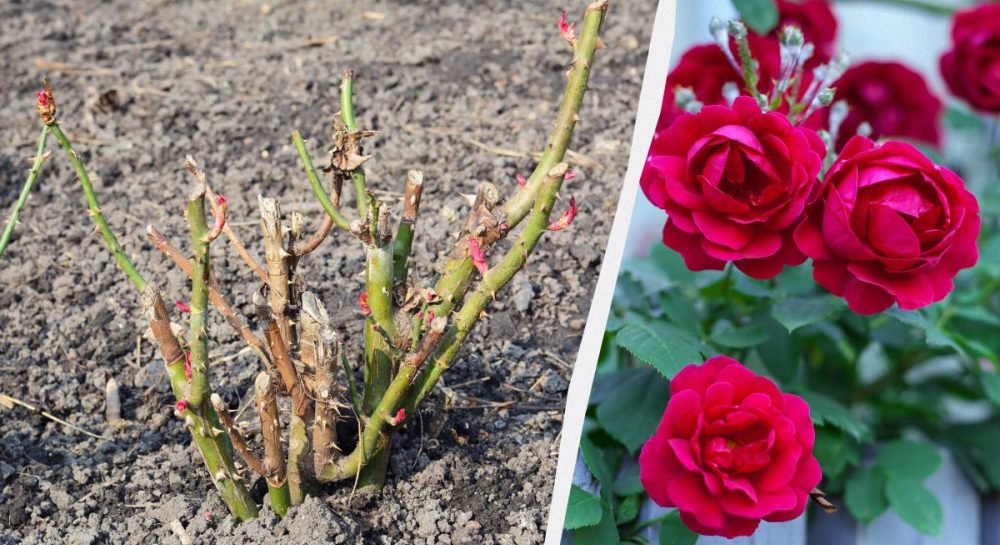
Autumn Rose Care: Expert Tips for Korosten Gardeners
Experts explain why it is better to delay radical rose pruning until after the first steady frosts.
 🏛️Politics
Estonia Supports Ukraine After Strike on Russian Ship in Gulf of Finland
Estonia has expressed support for Ukraine after a strike on a Russian ship in the Gulf of Finland, calling it an act of self-defense against Russian aggression.
 🛡️Security
Rescue operation in Dymer: elderly woman pulled from the rubble
Search operations continue in the Kyiv region following a hostile drone strike on a residential building. Rescuers managed to save an 89-year-old woman, while the death t…
 🛡️Security
Russian corvette 'Merkury' reportedly damaged by Ukrainian drones in Libya
An explosion occurred on a Russian military ship in the port of Benghazi, which, according to Associated Press, may have been caused by an attack by Ukrainian maritime dr…
 🏛️Politics
Russia tests NATO defense algorithms through border provocations, expert says
Retired Ukrainian Colonel Dmytro Kashchenko stated that violating NATO airspace is a calculated Russian strategy to test the readiness of Western air defense systems.